Description
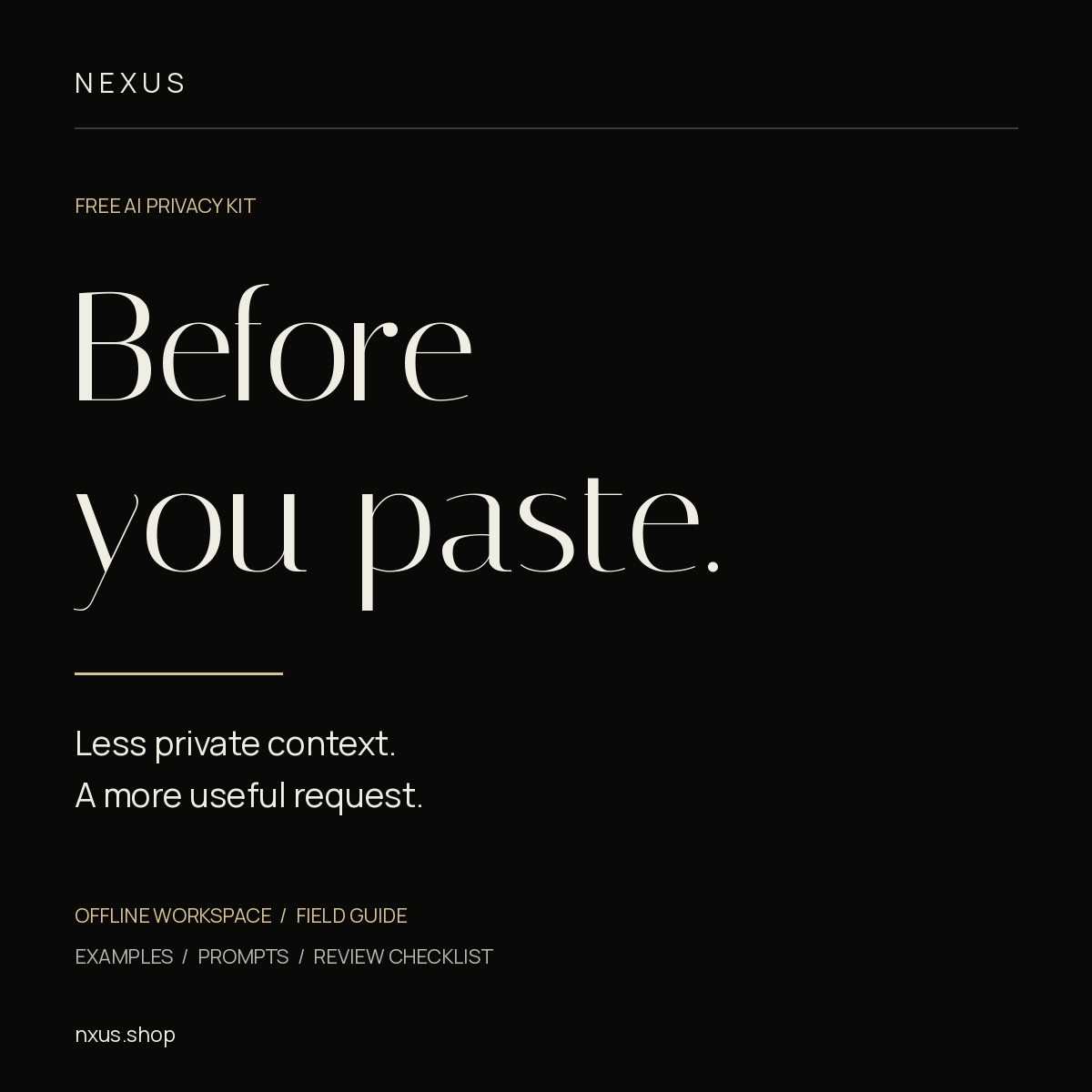
Prepare a useful AI request with less private information.
If you have ever started to paste a client email, meeting note or support log into an AI tool, Before You Paste gives you a process to use first. Decide whether the original needs to be shared at all, remove unnecessary detail yourself, and ask for only the help you actually need.
The kit is free to keep and reuse. Download it immediately, open the workspace in a current browser, and work offline. You do not need an account, credit card, AI subscription or installation.
Something you can use, not just advice to remember
- An offline workspace walks you through the sharing decision, helps you compose a smaller request, and gives you a final review checklist. You can copy or export the prompt you write.
- A 10-page field guide explains the manual workflow and includes a reusable worksheet and an accidental-sharing response card.
- Six fictional before-and-after examples show how to rethink client emails, meeting notes, support logs, customer feedback, spreadsheet questions and personal reflection. Some examples show why you should ask a generic question instead of sharing a masked document.
- Eight reusable prompt structures give you a starting point for replies, action lists, debugging questions, formulas, public copy, checklists, comparisons and answer review.
- A plain-text companion lets you use the prompts and checklists in your own editor without opening the interactive workspace.
A quick example
You may want help writing a reply, not help analyzing the private email itself. Instead of pasting the original message and attachments, start with a fictional request such as:
Give me a calm outline for replying to a fictional client who says a project update was unclear. Acknowledge the concern, ask what information they need, and suggest a next step without inventing dates, facts or commitments.
You have kept the writing task while leaving out names, contact details and the original attachment. The kit helps you make that kind of decision for other everyday tasks, with reminders to check permission and review the final result.
How to use the kit
- Decide what should stay private. Check whether the recipient or tool is approved, and whether a generic question or fictional example could solve the problem instead.
- Write the smaller request yourself. Keep only the context the task needs. Review both obvious identifiers and combinations of clues that could identify a person or reveal confidential meaning.
- Use a prompt structure and read the full draft. The workspace formats your request; it does not detect or remove private information for you.
- Review the answer before using it. Check facts, assumptions, changed labels and any commitments you did not intend to make. Keep private originals and any lookup notes separate.
Privacy and limits
The downloaded workspace has no upload requests, analytics, external scripts or automatic saving. Source and shop links connect to the web only if you open them. Browser recovery, extensions, clipboard history, saved exports and device backups remain outside the kit’s control.
This is a manual educational kit, not an automatic scanner or redaction tool. Do not enter passwords, restricted material or unreviewed private originals into the workspace. Prompt instructions cannot control an AI provider’s retention or privacy practices. Neither completing the checklist nor replacing names establishes permission, anonymity or compliance.
Your download
One ZIP contains the standalone HTML workspace, the 10-page A4 PDF field guide, a plain-text prompt and checklist companion, a start-here file and font-license notices. The PDF is not structurally tagged; use the HTML version for semantic, reflowable reading. No physical item or AI service is included.
Keep the free workflow. Add software only if you need it.
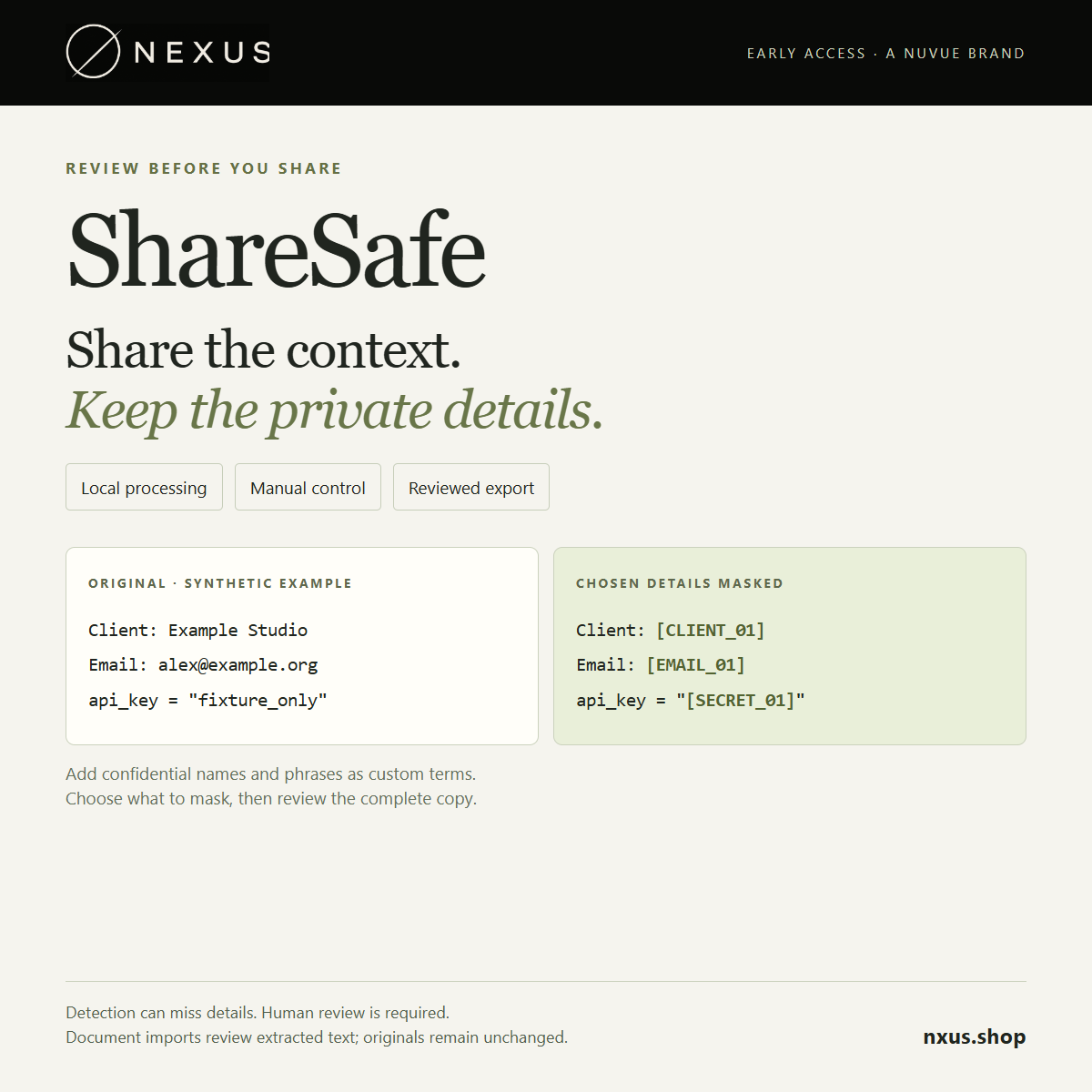
The kit has no expiry. If you regularly prepare text for sharing and want supported pattern detection, chosen masking, profiles and other local review tools, explore ShareSafe. It is a separate Windows x64 product. Read its current price, compatibility and limits before purchasing; you do not need it to keep using this kit.
License: personal use and internal business use are permitted. Your inputs and outputs remain yours. Do not resell, rebrand or redistribute the kit files; share the official product link instead. General education only, not professional advice. Mandatory legal rights remain unaffected.